🎮
Controller layouts
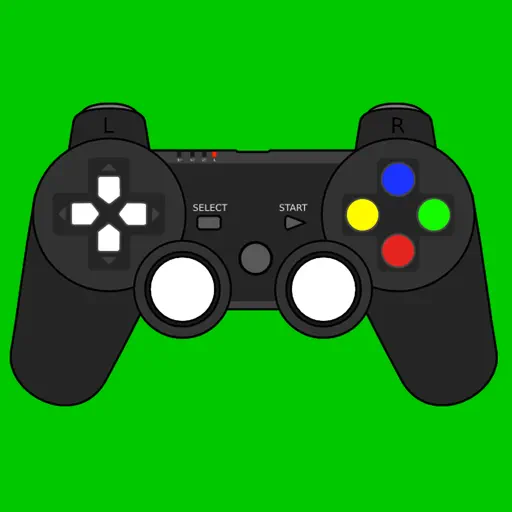
See your controller on screen, with designs for Xbox, PlayStation and other controllers.
Test every button of your gamepad.
Connect your Xbox, PlayStation or MFi game controller to your iPhone or iPad and check that every button, stick and trigger works as it should.

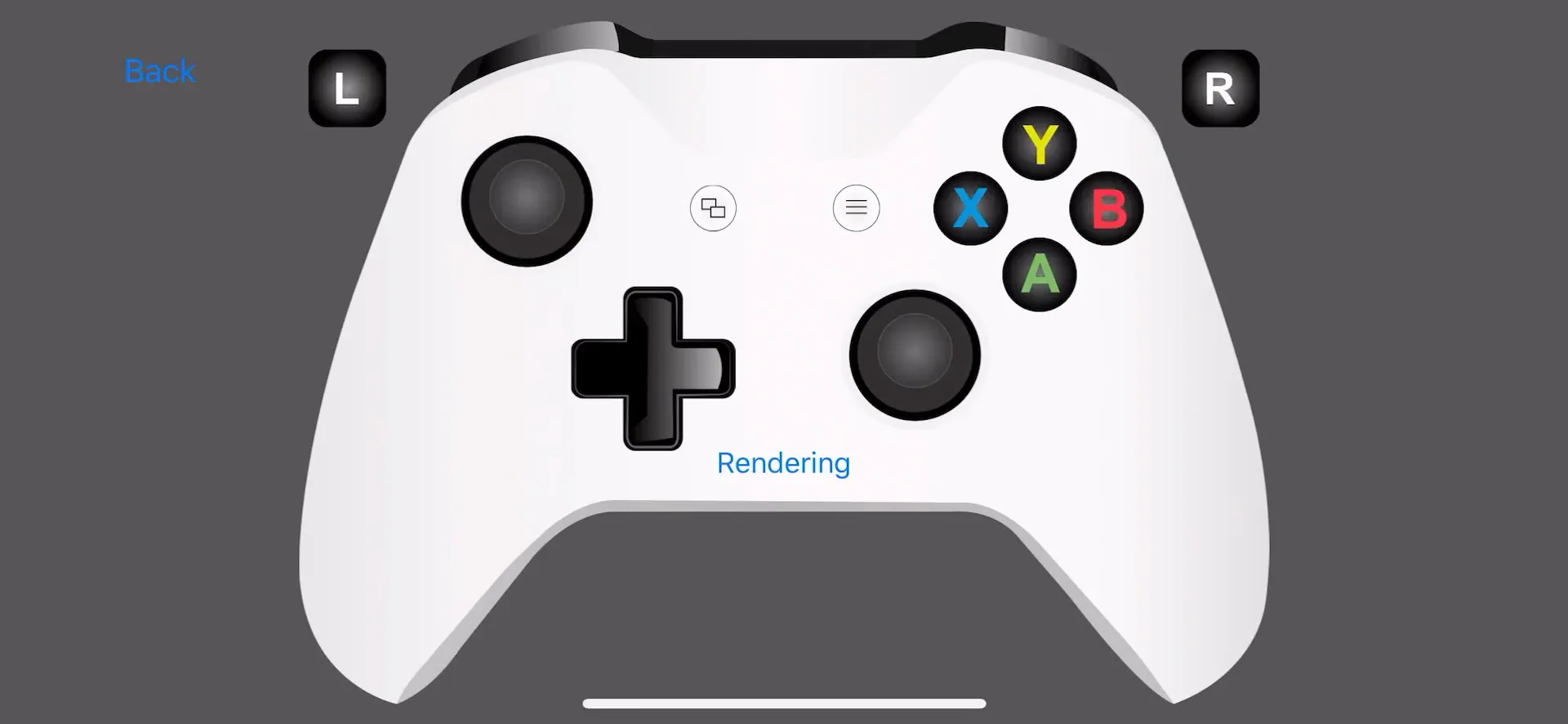
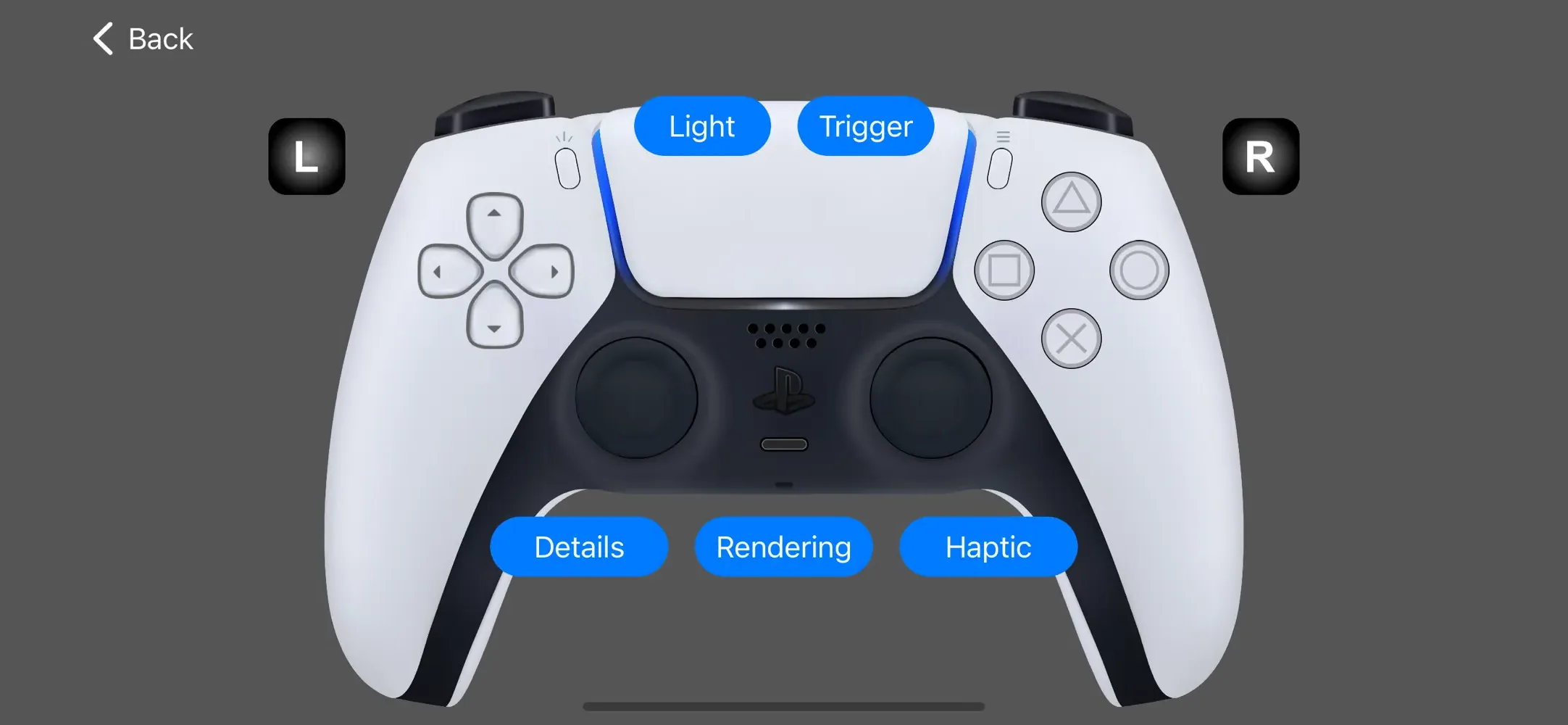
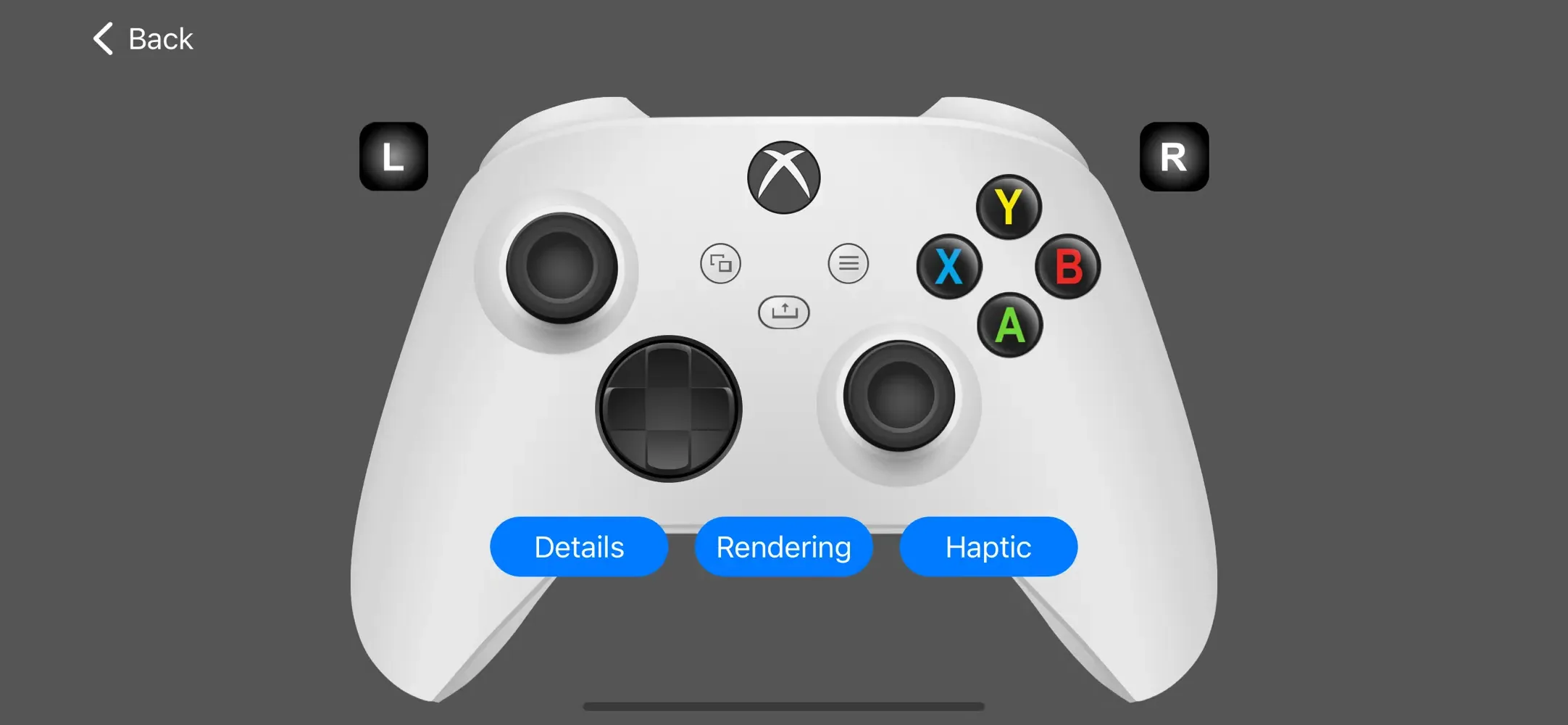
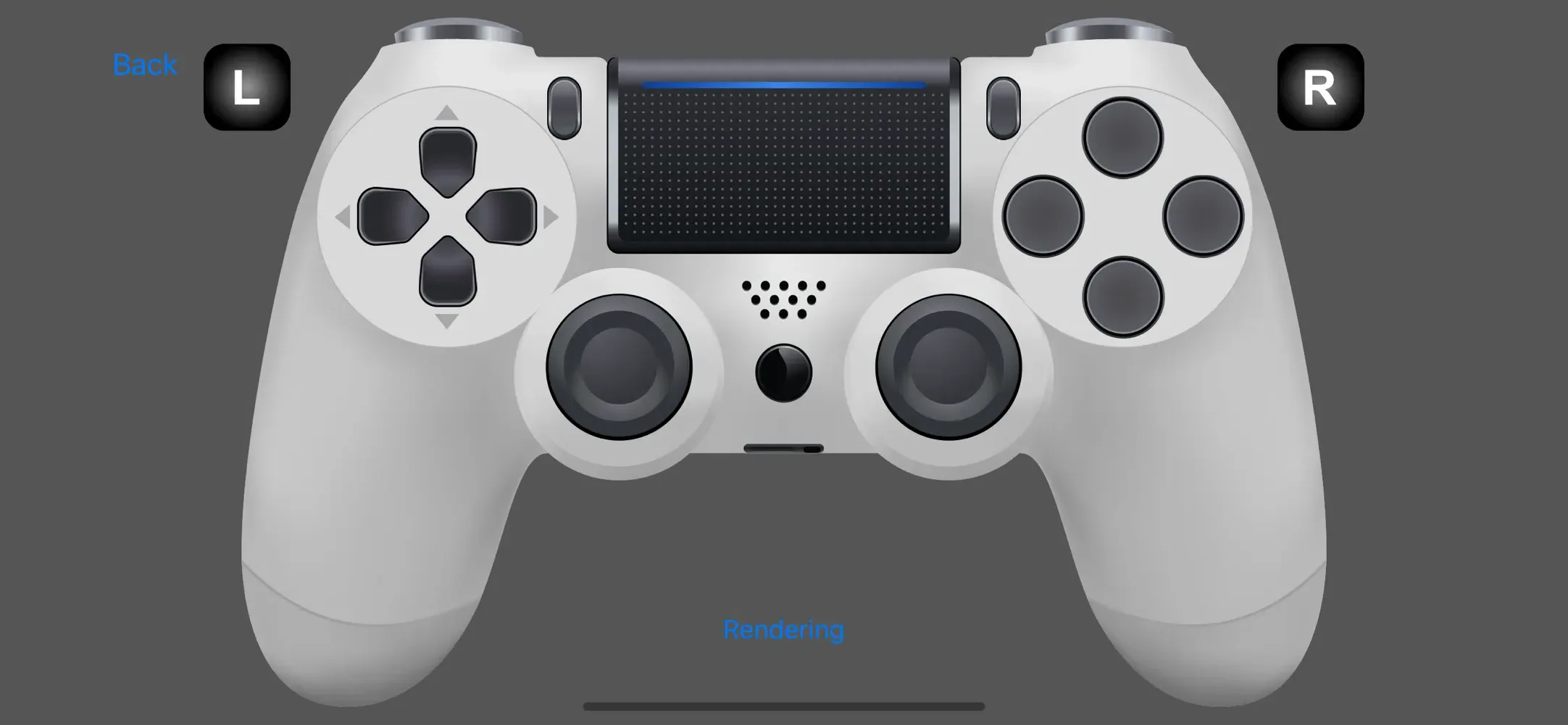
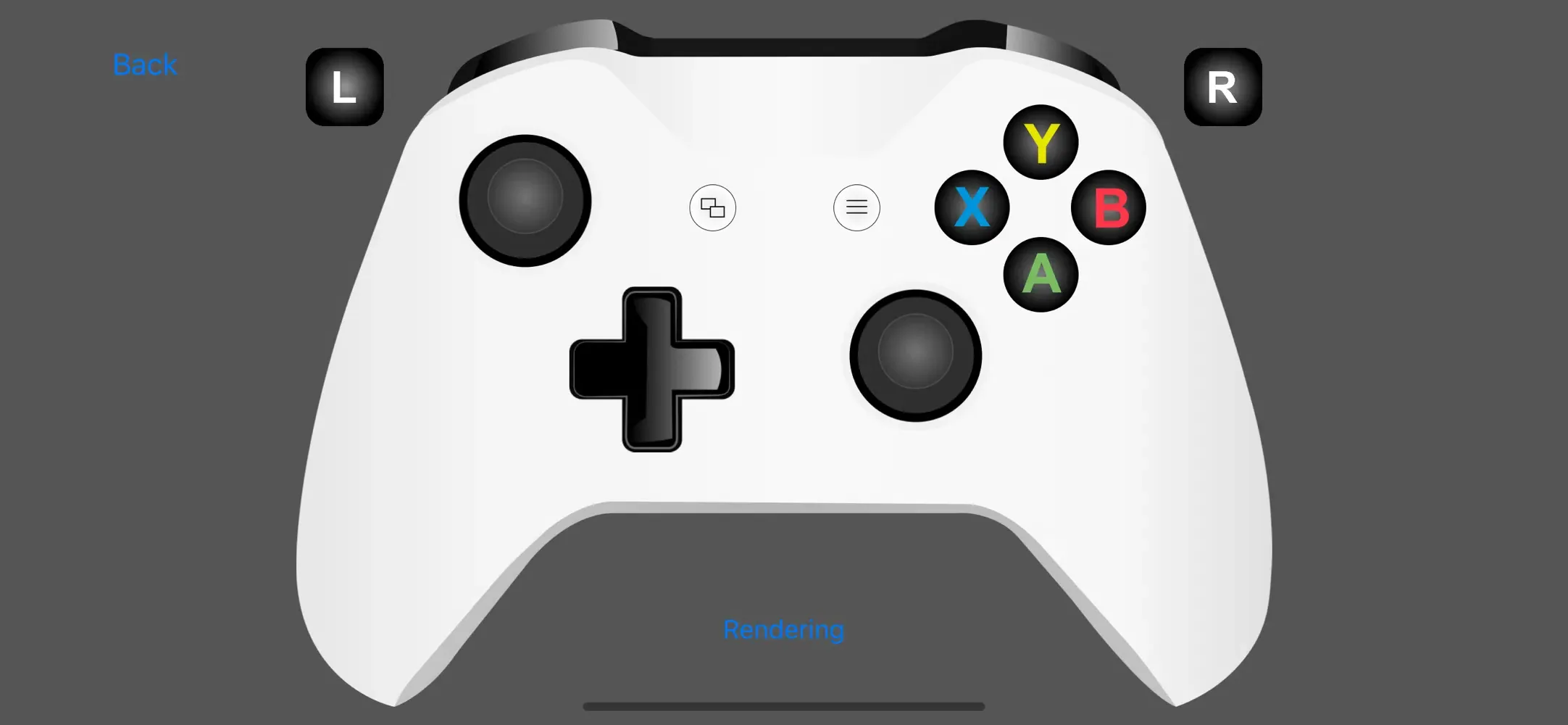
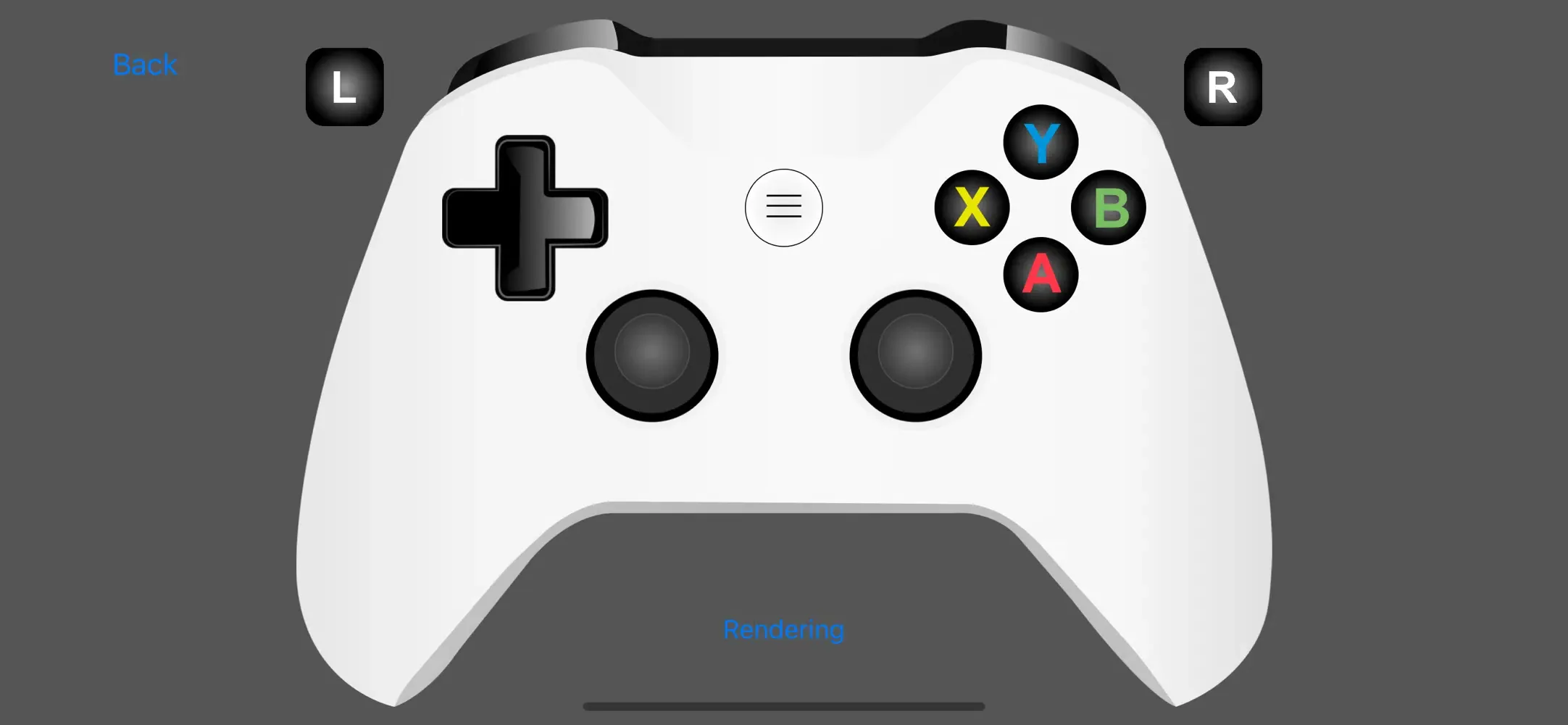
See your controller on screen, with designs for Xbox, PlayStation and other controllers.
Every button press and every stick movement shows up live.
Check how pressure-sensitive triggers and sticks respond, not just whether they work.
Connect and test several controllers at the same time.
Get help connecting your controller to your iPhone or iPad.
Unlock all controller features like haptic feedback and adaptive triggers, and remove ads.
Questions, feedback or problems with Game Controller Tester? Email us at [email protected].
Create your own emojis and stickers with AI, and bring them to life with Animoji.
1,200+ animated emojis and talking emojis with sound for all your chats.

230+ talking emojis with sound, meme videos and meme sounds for your chats.

Look up what every emoji means, with descriptions and keywords for 1,700+ emojis.

Guess the right emoji from its description in this fast-paced quiz game.
Find iPhone and iPad games that you can play with a game controller.